Product Page Design Best Practices That Drive Sales
Think of your product page as the final handshake in a business deal. No pressure, right?
Here's the thing though – most e-commerce sites treat product pages like digital brochures. Wrong move. Your product page should feel like that helpful salesperson who actually knows their stuff, not some pushy guy in a cheap suit.
The magic happens when your visuals make people want something, your copy explains why they need it, and your design makes buying feel obvious. Simple concept. Brutal execution.
Starting with the big picture story
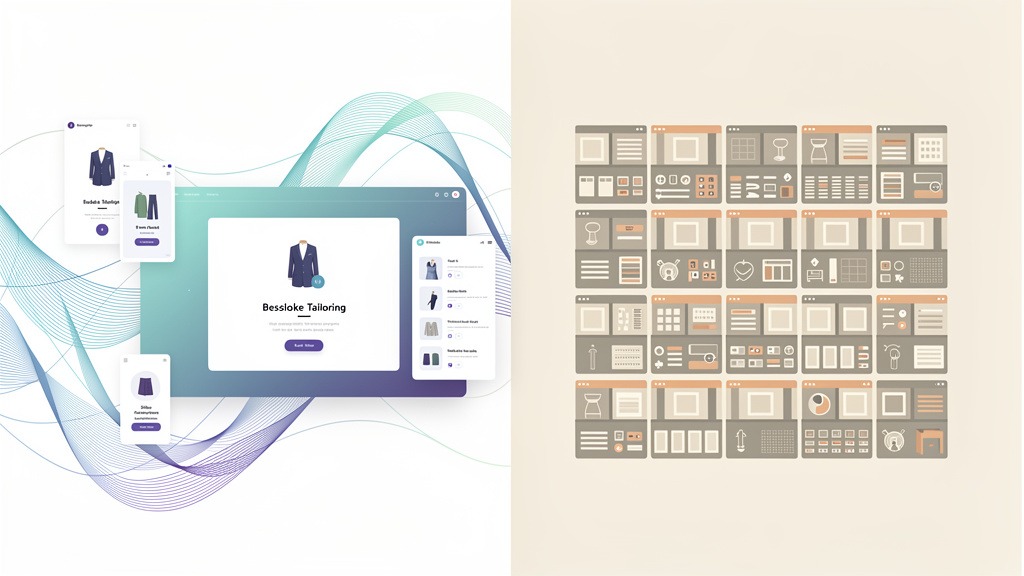
I've watched too many teams obsess over button colors while their entire page tells three different stories. Your layout, photos, and messaging need to work together like a good band – each part distinct but creating something bigger.
The goal isn't complicated: guide someone from "hmm, interesting" to "yeah, I'll take it" without making them think too hard.
Smart teams focus on these fundamentals:
- Get your product name, price, main photo, and key benefits visible immediately. Don't make people hunt for basic info.
- Answer the obvious questions before they're asked. Shipping costs, return policy, sizing – put this stuff where anxious shoppers look for reassurance.
- Make everything feel trustworthy and consistent. Broken patterns make people nervous, and nervous people don't buy things.
Call-to-action buttons that actually work
Your CTA button should practically glow on the page. I'm talking about real contrast here – not some subtle designer gray that disappears into your carefully curated color palette.
"Add to Cart" beats "Purchase Now" or whatever creative copy you're considering. People scan fast, and familiar words process faster than clever ones.
Long pages create a problem: your buy button disappears. Sticky CTAs solve this, but they can feel aggressive if they cover up important details. Test the spacing on actual phones, not just your laptop. And please, make sure your design and merchandising teams agree on the rules before launching.
Now let's talk about the visual foundation that makes or breaks everything else.
Photos replace the experience of picking something up, turning it over, checking the weight. When someone can't touch your product, your images become their hands.
The goal isn't Instagram-pretty shots (though those don't hurt). It's purposeful media that answers real questions and builds confidence. More photos won't save bad photos, but the right photos in the right order can absolutely save a sale.
Your hero image – that's the big one people see first – carries serious weight. It needs to be sharp, well-lit, and color-accurate. Sounds basic, but you'd be amazed how many hero images hide the actual product in artistic shadows or make it look tiny against a vast white background.
Starting strong with your main product shot
Clean backgrounds work when clarity matters most. Save the lifestyle vibes for supporting shots. Your hero image should make the product feel substantial and real, not lost in negative space.
Here's where teams mess up: over-styling the hero shot until it misrepresents what people actually get. Those returns and angry support tickets? Yeah, they often trace back to photos that promised something the product couldn't deliver.
High-resolution images with zoom capabilities
People want to inspect your stuff like they would in a store. Zoom functionality lets them check stitching, texture, interfaces – all the details that separate quality from junk.

Build your photo set to answer predictable questions:
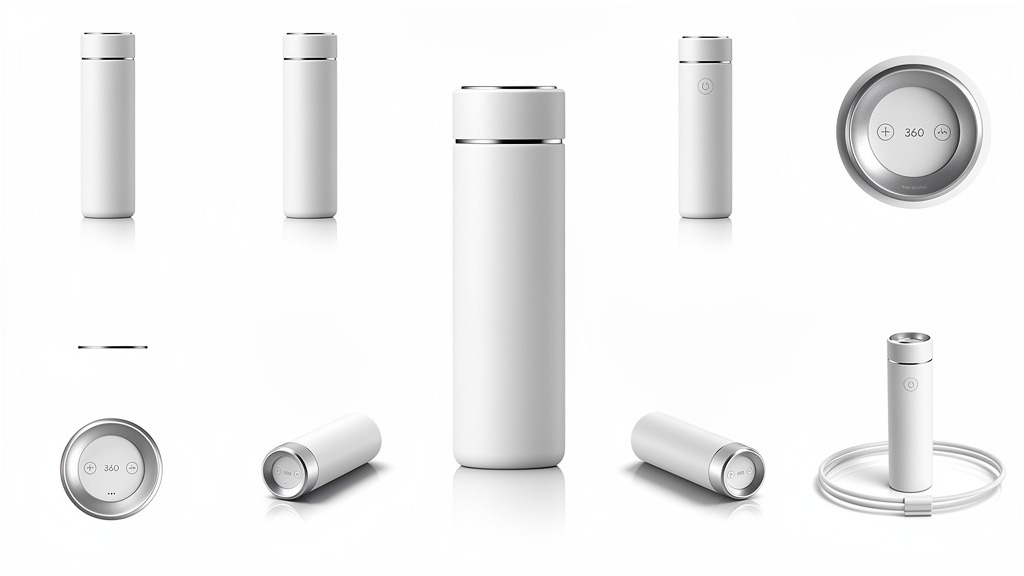
- Every angle someone would naturally want to see
- What's actually in the box (packaging matters more than you think)
- Real-world scale shots – hands holding it, sitting on a desk, worn on a person
Trade-off alert: more high-res images slow down your page. Compress intelligently and lazy-load anything below the fold. Speed beats completeness if you have to choose.
360-degree views and product videos
360 views shine for products where shape, depth, or finish changes with lighting. Product videos work best when they show the thing in action or explain setup quickly.
Avoid motion chaos. Autoplay videos with sound annoy people, and overly long demos distract from buying. Keep controls obvious and never let video players compete with your purchase buttons.
Step-by-step visual workflow
- List the top 5 questions your images must answer
- Nail your hero shot for instant clarity and emotional connection
- Capture multiple angles plus at least one lifestyle context shot
- Enable zoom and test sharpness across devices
- Add 360 or video where form or function needs demonstration
- Review placement so media supports rather than competes with price and CTA
Visuals hook them, but words close the deal.
Your product copy is the salesperson who works 24/7 without coffee breaks or bad moods. Strong descriptions translate features into benefits, then guide people toward action without being pushy about it.
Product titles that match how people think
Your product title is a promise to both shoppers and your search function. Use the words real customers use when describing their problem, not your internal SKU language.
Structure that works:
- Lead with product type, then the differentiator (material, size, compatibility, specific use case)
- Add one scannable qualifier that matches search intent – "travel," "wide fit," "refillable"
- Keep titles consistent between category pages and product pages so people don't get confused
Description guidelines that sell experiences
These patterns keep descriptions readable and persuasive:
- Open with a benefit-focused line that describes the transformation – comfort, confidence, speed, safety – then back it up with features
- Paint a picture of life with this product using mini-stories: "On a rainy commute..." or "During client presentations..."
- Format for scanning: short paragraphs, bullet points, icons for specs. People skim first, read second
- Include a "Who this is for" section to create connection and reduce mismatched expectations
- Assign clear ownership: copywriter handles voice, UX designer structures layout, merchandising validates claims
Strategic CTAs that feel natural
Your main CTA should live near price and key options. Keep the label specific and avoid competing buttons that split attention. Decision paralysis kills conversions faster than high prices.
While your content persuades, social proof from other customers provides the final push many people need.
Social proof replaces the reassurance you'd get from talking to someone who's actually used the product. On product pages, visible reviews and clear trust signals reduce perceived risk right when visitors are closest to buying.
Making social proof visible at decision moments
- Put star ratings next to product title and price so credibility appears before scrolling
- Place a short review snippet near your main CTA, aligned with your image gallery so attention flows naturally from photos to proof to action
- Add "verified purchase" badges on review cards to separate real experience from noise
Designing reviews for credibility
Enable detailed reviews with sorting and filtering – most recent, highest rated, lowest rated, photos included. Include some negative reviews because balanced feedback often feels more authentic and helps people self-qualify, reducing returns.
Moderation should remove abuse, not uncomfortable opinions. This workflow usually sits between customer experience and merchandising teams, so establish clear guidelines upfront.
Adding trust signals and risk reversal
Show security badges near checkout actions, plus logos of accepted payment methods. State shipping costs, delivery windows, and return policies in plain language near your CTA.
Optional enhancement: pair customer review photos with 360-degree views to create a more immersive, confidence-building experience.
Even perfect content and trust can't save you if people have unanswered questions that lead to abandoned carts.
Product pages fail most often when visuals, copy, and UX get treated as separate projects. Everything exists for one goal: guide visitors to purchase with confidence. A few predictable mistakes create friction that tanks conversion rates.
Mistake one: Designing pieces instead of complete experiences
Beautiful photos can't rescue vague value propositions, and compelling copy can't fix confusing layouts. Optimization works when visual hierarchy, product information, and interaction states feel like one seamless story.
Quick friction-reduction checklist:
- Position decision-critical details near the buy area (price, variants, availability)
- Don't hide essentials behind tabs that look optional
- Keep the product visually dominant so it doesn't feel lost in whitespace
- Confirm actions clearly with feedback for add-to-cart, errors, and next steps
Mistake two: Weak or competing purchase actions
Your CTA should feel like a clear invitation, not a guessing game. Common problems include multiple primary buttons, low-contrast styling, or placing CTAs below distracting content.
Minimalist layouts look premium, but clarity wins when money's involved.
Mistake three: Trust gaps that create hesitation
Trust isn't decoration – it's functional. Hidden shipping costs, unclear return language, or inconsistent product claims stall conversions even with high traffic.
Workflow tip: assign one owner each for design, description guidelines, and quality assurance. Review pages together on mobile and desktop before releasing updates.
Beyond avoiding errors, certain advanced techniques can boost urgency and support.
Advanced optimization combines visuals, copy, and UX to guide visitors toward purchase with less doubt. These tactics focus on real-time reassurance, ethical urgency, and smarter merchandising so your product page feels helpful rather than pushy.
Step-by-step conversion accelerators
- Add live chat near your CTA so questions get answered at the moment of hesitation. Route pre-sale questions to support, size or compatibility questions to merchandising for faster resolution
- Use honest scarcity cues – "low stock" or "order by" messaging – to create momentum without undermining trust. Avoid manufactured urgency because it damages long-term relationships
- Cross-sell with intent by placing "frequently paired" add-ons under primary selection, not above it. Cross-sells should reduce friction by surfacing the right battery or filter, not distract from the main decision
- Make reassurance scannable by anchoring review previews next to key specs so proof appears where decisions happen
- Validate optimization with usability checks: confirm primary purchase path stays visually dominant on desktop and mobile
What can go wrong and prevention
Overloading widgets can bury your product. Treat every add-on as a design element that must earn space by removing uncertainty.
With these practices established, let's address speed optimization and mobile design.
Fast product pages feel effortless, and that emotional ease directly impacts conversions. Speed optimization means reducing time for key content to render and respond to interactions so visitors stay engaged instead of second-guessing.
Why speed is actually a design problem
Slow pages create invisible friction: images load late, CTAs shift position, trust signals appear after attention moves elsewhere. This hurts usability and makes even strong copy feel harder to read and trust.
Speed checklist for conversion-focused teams
- Prioritize one crisp hero image, then compress and resize additional assets to match display dimensions
- Use lazy loading so off-screen galleries, 360 views, and below-fold modules load after essentials
- Minify CSS and JavaScript, defer non-critical scripts so CTAs appear stable and quickly tappable
- Audit third-party widgets including live chat and load them after primary content to protect first impressions
Managing constraints and trade-offs
Over-compression flattens texture and reduces perceived quality, so review visuals on real devices before shipping. Deferring scripts can delay analytics or personalization, so align priorities with design, development, and merchandising teams.
Speed decisions should integrate with mobile-first design that protects usability on small screens.
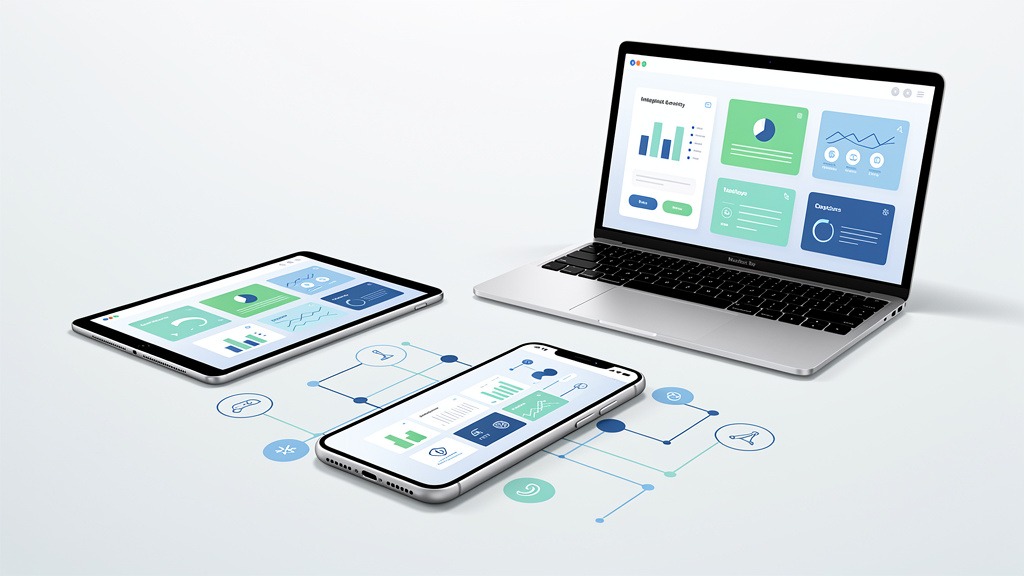
Mobile-first means designing for small screens and thumb-driven behavior first, then scaling up. This approach protects customer experience by keeping the buying path visible, readable, and tappable when visitors are most distracted.
Solving mobile conversion leaks you can't see on desktop
Mobile visitors lose focus when key details sit below endless scroll or when tap targets feel cramped. Treat layout optimization as a priority system: show decision-making essentials first, then organize supporting content into expandable sections.
Thumb-friendly layout principles
- Place sticky CTAs within thumb reach with clear size, color contrast, and tap-safe hit areas
- Keep navigation focused: breadcrumbs, search, and cart access while minimizing competing links near purchase intent
- Use visual hierarchy so products never feel small in the layout, especially above the fold
Mobile confidence checklist
- Use accordions for specs, shipping, and returns so scanning feels effortless
- Keep images swipeable with indicators showing there's more content
- Make urgency messaging specific and ethical, never distracting
Workflow tip: assign one owner to test on real devices and one to review analytics for drop-offs.
Quick answers help teams move faster than endless debates. These FAQs translate optimization concepts into decisions you can actually implement.
How to optimize when traffic is high but sales lag
Q: How do you fix product pages when traffic looks good but conversions disappoint?
A: Treat your page like a unified sales conversation, not separate content blocks. Fastest gains usually come from aligning visuals, copy, and UX so the buying path feels intuitive from first glance to checkout.
Key actions that often lift conversion rates:
- Use layout optimization to keep price, value, and primary action visible together
- Apply conversion tactics that reduce friction with clear delivery, returns, and sizing details near decisions
- Improve usability by removing competing actions that distract from purchase
Look for evidence in session recordings, support tickets, and onsite search queries – they reveal where visitors hesitate. Assign one owner to coordinate design, merchandising, and development so changes ship as cohesive improvements.
What role images play in optimization
Q: How important are images for product page performance?
A: Images replace touch, scale, and context, so visuals provide both persuasion and reassurance simultaneously. Strong image placement guides attention while media gaps create uncertainty.
Priorities:
- Show context, details, and variation clearly, not just beauty shots
- Add 360-degree views when form, texture, or fit drives confidence (trade-off: heavier media can slow pages if not optimized properly)
How important are CTAs on product pages
Q: What makes CTAs effective on product pages?
A: CTAs represent the moment where intent becomes action, so clarity matters more than creativity. Pair CTAs with description guidelines that answer "Why this?" and "Why now?" in plain language.
Constraint: if options like size or configuration are required, CTAs should gracefully prompt selection instead of producing error messages.
Should reviews and live chat be included
Q: Do customer reviews belong on product pages, and what's the benefit of live chat?
A: Reviews build trust, live chat removes last-mile uncertainty when questions block conversions. Use both when products involve high consideration or common fit and compatibility questions.
Avoid clutter by placing trust signals near decision points, not scattered across the layout.
Optimizing product pages is an ongoing process that delivers significant returns when done thoughtfully.
The fundamental principle
Product page design works when your page reads like a purposeful buying journey, not a catalog listing. The goal is guiding visitors to purchase with confidence, making optimization both a conversion strategy and a design decision.
What to prioritize for better conversions
Use a holistic approach blending visuals, copy, and UX into one coherent story: images create desire, description optimization builds meaning, and usability removes doubt at decision points. When these elements conflict, conversions drop because shoppers feel friction or uncertainty.
Friction reduction and trust building checklist
- Keep CTAs visible and unambiguous near price and key details
- Make trust signals easy to find before major scrolling so risk feels addressed early
- Reduce decision fatigue with scannable information hierarchy and consistent design patterns
Practical workflow note
Assign one owner to end-to-end product page experience, then review changes as a complete system since isolated "improvements" can create problems elsewhere.